How to Read Spotify for Artists Stats in 2026: A Beginner's Guide to Your Dashboard
Learn how to read your Spotify for Artists dashboard in 2026. Understand streams, listeners, demographics, and playlist stats to grow your music career.
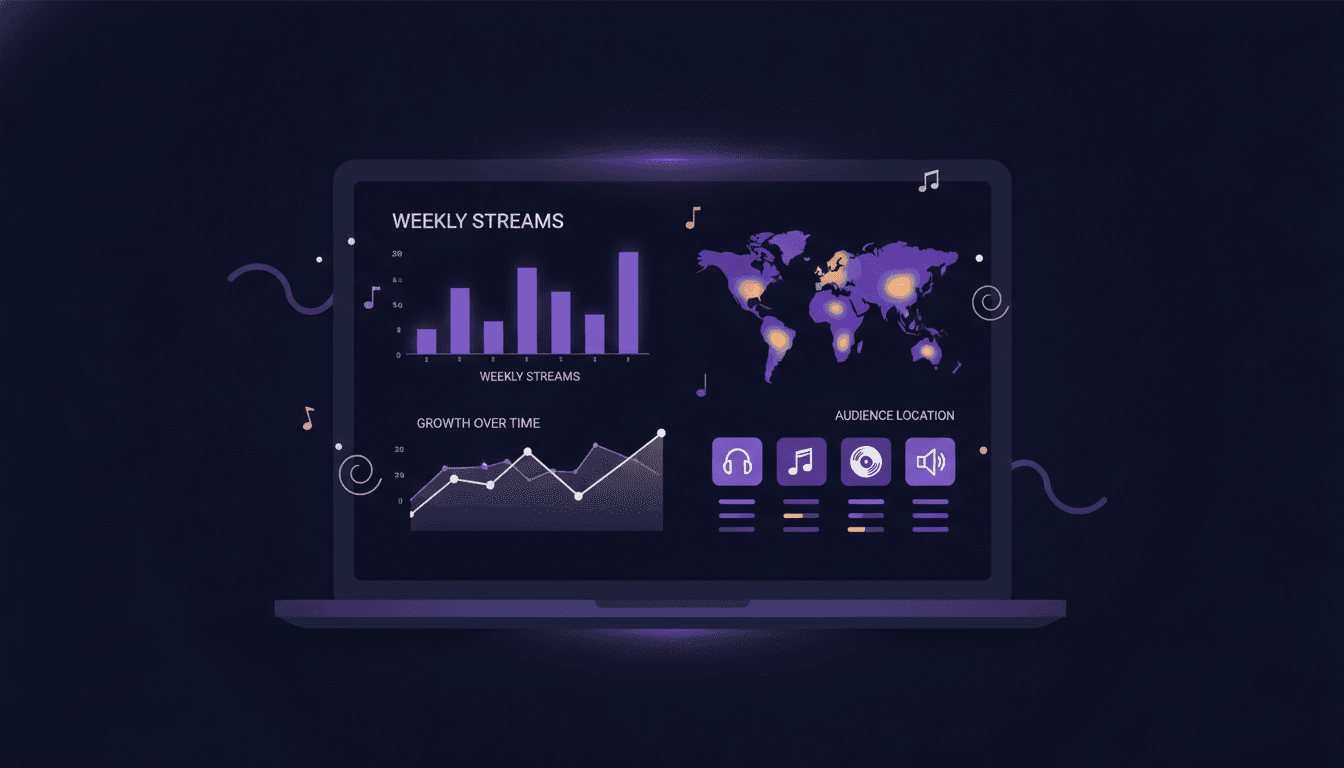
What Is Spotify for Artists?
Quick answer: Spotify for Artists is a free dashboard that gives musicians direct access to their streaming data, audience insights, and playlist placements. It is the starting point for any data-driven music career decision.
Spotify for Artists is the official analytics hub for anyone distributing music on Spotify. Every artist with at least one track on the platform can claim their profile and access real-time performance data.
The dashboard shows you who listens, where they are, how they found you, and which songs keep them coming back. It also gives you tools to customize your artist profile, pitch tracks to editorial playlists, and manage your team's access.
Think of it as your home base for understanding how listeners interact with your music on the world's largest audio streaming platform.
How to Access Your Spotify for Artists Dashboard
Quick answer: Visit artists.spotify.com, log in with your Spotify account, and verify your identity. Once approved (usually within a few days), you get full access to your stats and profile tools.
Here is the step-by-step process:
- Go to artists.spotify.com and click "Get Access."
- Log in with the Spotify account linked to your artist profile. If you do not have one, create a free account first.
- Verify your identity. Spotify will ask you to confirm you are the artist (or an authorized team member) through your distributor or by matching your social media profiles.
- Wait for approval. Most verifications complete within 24 to 72 hours.
- Once approved, log in from your browser or download the Spotify for Artists mobile app for on-the-go access.
If you release music through a distributor, you can often speed up the process by requesting access directly through your distributor's dashboard. Most major and indie distributors support instant Spotify for Artists linking.
Key Metrics on the Spotify for Artists Dashboard
Quick answer: The dashboard breaks your data into four main areas: streams and listeners, audience demographics, playlist placements, and individual song or release performance. Each section answers a different question about your music's reach and impact.
Streams and Listeners
Streams count every play of 30 seconds or more. Listeners count unique accounts that played your music during a given time period.
These two numbers tell different stories. A high stream count with a low listener count means your existing fans replay your songs often. A high listener count with a low stream-per-listener ratio means you are reaching new ears, but they are not sticking around.
Watch these trends over 7-day, 28-day, and all-time windows. A rising listener count with a stable stream-per-listener ratio signals healthy organic growth. A spike followed by a drop usually traces back to a playlist add and removal cycle.
Audience Demographics
The audience section breaks your listeners into age, gender, and location segments. You can see your top cities, top countries, and how your audience has shifted over the past 28 days.
This data directly informs your marketing strategy. If 40% of your listeners are in São Paulo but you have never promoted there, that city could be a prime market for ad spend or a live show. If your audience skews 18 to 24, your content strategy should match where that demographic spends time online.
Pay close attention to new cities and countries that appear in your top 10. Organic growth in an unexpected market often signals a playlist placement or social media moment you did not initiate.
Playlist Placements
The playlist section shows every Spotify playlist currently featuring your tracks. It separates editorial playlists (curated by Spotify's team), algorithmic playlists (Discover Weekly, Release Radar, Daily Mix), and user-created playlists.
Each placement shows an estimated listener count and how many streams it drove in the past 28 days. This is critical for understanding which playlists actually move the needle versus those that just look good on paper.
If you want to understand how curators make these decisions and what influence they really have, read our guide to curator influence analysis.
Track your playlist history over time. A pattern of consistent editorial adds means Spotify's team recognizes your release strategy. If you only see algorithmic and user-created placements, your pitch strategy may need work.
Song and Release Performance
Each release gets its own performance page. You can see daily streams, saves, listener sources (playlist, artist profile, search, external link), and how quickly engagement tapers after release day.
The "saves" metric is especially telling. A high save rate (saves divided by streams) means listeners want to hear the song again. Spotify's algorithm weighs saves heavily when deciding whether to push a track into more algorithmic playlists.
Compare your releases against each other. If your latest single earned twice the saves of your previous one, that is a strong signal about what resonates with your audience.
How to Use Your Spotify Stats to Plan Your Next Release
Quick answer: Use your audience location data, top-performing release patterns, and playlist history to choose your release timing, set your promotional budget, and decide which markets deserve extra attention.
Your Spotify stats are not just a report card. They are a planning tool. Here is how to turn data into action:
Choose your release day based on listener activity. Your dashboard shows which days of the week your streams peak. If your audience is most active on Fridays and Saturdays, a Friday release (which is standard) works well. But if your genre peaks midweek, consider whether your pre-save campaign should build toward that window.
Set your promotional budget by market. If your top 5 cities generate 60% of your streams, allocate budget accordingly. Do not spread ad spend evenly across markets where you have no traction.
Learn from your best-performing release. Look at the song with the highest save rate. What was different about that release? Did you pitch it to playlists earlier? Was the artwork stronger? Did you post more content around launch day? Replicate what worked.
Track your Discover Weekly and Release Radar performance. These algorithmic playlists reflect how Spotify's system evaluates your music. If your Release Radar streams drop with each release, Spotify's algorithm may be deprioritizing you based on low early engagement. That means your core audience is not engaging fast enough on release day.
For a deeper look at how to spot trends in your data before they appear on public charts, explore our step-by-step guide to music trend analysis.
Music24 gives you the data Spotify does not show. Your Spotify for Artists dashboard tells you what happened. Music24 shows you which post moved your streams and what is rising around you. Music24 puts your Spotify for Artists numbers next to your YouTube and social numbers, with each post beside the streams of the day it went out. If you want to know which post brought you new listeners, or which playlists add songs like yours, start your free trial and see the full picture.
Spotify for Artists vs. Third-Party Analytics: When You Need More
Quick answer: Spotify for Artists covers your own performance data well, but it cannot show you competitor benchmarks, curator behavior patterns, or predictive signals from private playlists. Third-party platforms fill those gaps for professionals who need to make decisions beyond their own catalog.
Before comparing Spotify figures with another service, check music data latency and align the reporting windows.
Here is a comparison of what each approach offers:
| Feature | Spotify for Artists | Third-Party Analytics Platforms |
|---|---|---|
| Your own stream and listener counts | Yes | Yes (plus historical trends) |
| Audience demographics | Yes (age, gender, location) | Yes (often with deeper segmentation) |
| Playlist placement tracking | Your tracks only | Market-wide playlist monitoring |
| Save rate and engagement metrics | Yes | Yes, often with benchmarks |
| Competitor benchmarking | No | Yes |
| Which playlists add songs like yours | No | Yes (e.g., Music24's public data) |
| Early trend signals | No | Yes (public and private playlist data) |
| Cross-platform data (Apple, YouTube, etc.) | No | Varies by platform |
| Price | Free | Varies (Music24 starts with a 7-day free trial) |
Spotify for Artists is essential. Every artist and manager should use it daily. But when your job is to spot breakout potential before the market does, validate a signing decision, or understand how a curator's choices influence streaming momentum, you need data that goes beyond your own catalog.
That is where platforms like Music24 come in. Its public data adds what Spotify for Artists does not show: which playlists add songs like yours and which artists near your sound are rising.
For professionals working in playlist curation and strategy, combining your Spotify for Artists data with third-party insights creates a complete picture: your performance data plus market-wide context.
FAQ
How often does Spotify for Artists update its stats?
Spotify for Artists updates most metrics within 24 to 48 hours. Real-time stream counts may show a slight delay, but daily totals are typically accurate by the following morning. Playlist placement data updates within a few hours of a track being added or removed.
Can I see who added my song to their playlist on Spotify for Artists?
Spotify for Artists shows you which playlists include your tracks and estimates their listener reach. It does not reveal individual user names or private playlist owners. For deeper curator identification and influence analysis, third-party analytics platforms provide more detail.
What is a good save rate on Spotify?
A save rate above 3% (saves divided by total streams) is solid for most genres. Rates above 5% indicate strong audience connection and typically correlate with better algorithmic playlist placement. Compare your save rates across releases to identify your strongest material.
Is Spotify for Artists free to use?
Yes. Spotify for Artists is completely free for any artist or team member with music on Spotify. There are no premium tiers or paid features within the platform itself.
How do I pitch a song to Spotify editorial playlists?
Use the playlist pitch tool inside Spotify for Artists. You can pitch one unreleased track per upcoming release at least 7 days before its release date. Include genre tags, mood descriptors, and a short description of the song's story or context. Spotify's editorial team reviews pitches and may add your track to relevant playlists.
Can my manager or label access my Spotify for Artists dashboard?
Yes. Spotify for Artists supports team access. You can invite managers, label staff, and other team members with different permission levels. Go to Settings, then Team, and send invitations by email. Each team member gets their own login.
What is the difference between streams and listeners in Spotify for Artists?
Streams count every qualifying play (30 seconds or longer) across all your tracks. Listeners count unique accounts that played your music during the selected time period. One listener can generate many streams. Comparing the two reveals whether your growth comes from new audience reach or deeper engagement from existing fans.
Releasing music soon? Start free with Music24: 7 days of the Pro plan, no card, then a Free plan for as long as you like.
Get your music heard. Skip the content grind.
Add a song. Music24 makes the posts and the videos, plans your release and publishes it on every channel. Free for 7 days on the Pro plan, no card.