What Is Music Metadata? Why It Matters for Streaming Revenue in 2026
Music metadata is the hidden data layer that determines whether your songs get found, get played, and get paid. From ISRC codes to genre tags, every field attached to your recordings affects streaming revenue, playlist placement, and royalty collection. This guide breaks down every type of music metadata, shows you how to audit and fix yours, and gives you a checklist to use before every release.
What Is Music Metadata?
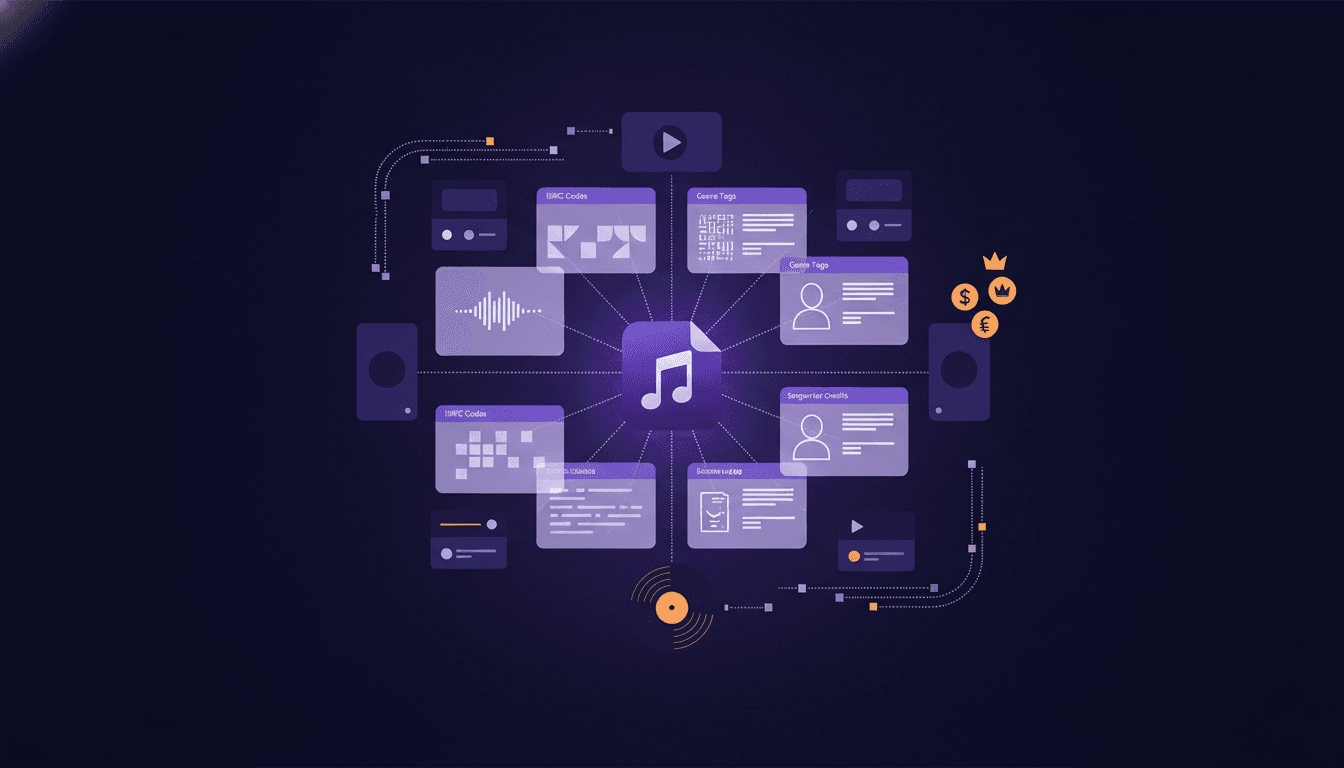
Music metadata is the information attached to every song file that tells streaming platforms, distributors, and rights organizations who made the track, who owns it, and how to categorize it. Think of it as a digital label stitched into every release: the song title, artist name, ISRC code, genre, songwriter credits, and dozens of other fields that determine where your music appears, how listeners find it, and whether you get paid.
Every stream on Spotify, Apple Music, or any other platform triggers a chain of data lookups. If your metadata is wrong, incomplete, or inconsistent, that chain breaks. Revenue goes unclaimed. Your song disappears from search results. Playlist curators skip you because the genre tag does not match their programming.
Getting metadata right is not optional. It is the foundation of every dollar you earn from streaming.
Types of Music Metadata Every Artist Should Know
Three categories of metadata travel with every release: descriptive, ownership, and technical. Each serves a different purpose in the streaming and royalty ecosystem. Miss any one of them, and your music loses visibility, revenue, or both.
Descriptive Metadata (Title, Artist, Genre)
Descriptive metadata is what listeners see. It includes:
- Song title: The exact name displayed on streaming platforms. Spelling, capitalization, and formatting all matter. "Pt. 1" and "Part 1" are treated as different strings by search algorithms.
- Artist name: Your primary artist name, plus any featured artists. Inconsistent spelling (e.g., "J. Cole" vs "J Cole") splits your streaming profile and fragments your listener data.
- Album or EP title: The release name that groups tracks together.
- Genre and subgenre: Tags that determine which editorial playlists, radio stations, and recommendation algorithms surface your music. Choosing the wrong genre buries your track in front of the wrong audience.
- Release date: The official date your music goes live. Distributors and playlist editors use this to schedule placements.
- Language: Identifies the primary language of the lyrics. Platforms use this for regional recommendations.
Descriptive metadata directly affects discoverability. When a listener searches for your name or song title, the platform matches their query against your metadata. One typo can make your track invisible.
Ownership Metadata (ISRC, ISWC, UPC)
Ownership metadata connects your music to the people and organizations that control its rights and revenue. These codes are the backbone of royalty collection worldwide.
- ISRC (International Standard Recording Code): A unique 12-character code assigned to each individual recording. Every version of a song (original, remix, live, acoustic) gets its own ISRC. Without it, streaming platforms cannot track plays or pay royalties accurately.
- ISWC (International Standard Musical Work Code): Identifies the underlying composition (the song itself, separate from any specific recording). This code links songwriters and publishers to their mechanical and performance royalties.
- UPC (Universal Product Code): The barcode for your release as a whole (album, EP, or single). Distributors and retailers use UPCs to identify and track sales.
- Songwriter and producer credits: Names of everyone who contributed to the composition and production. Missing credits mean missing royalty splits.
- Publisher information: The entity that controls the composition rights. Without this, performance rights organizations cannot route royalties.
If you are distributing music through a distribution service, your distributor typically assigns ISRCs and UPCs. But you are responsible for making sure songwriter credits and publisher information are correct before you submit.
Technical Metadata (Bitrate, Format)
Technical metadata describes the audio file itself. Streaming platforms use it to deliver the right quality to listeners.
- Audio format: WAV, FLAC, MP3, AAC, or other encoding formats. Most distributors require lossless formats (WAV or FLAC) for submission.
- Bitrate: The amount of data processed per second of audio. Higher bitrates mean better quality. Platforms transcode your files, but starting with a high-quality source ensures the best output.
- Sample rate: Typically 44.1 kHz or 48 kHz. This determines audio fidelity.
- Duration: The total length of the track. Platforms use this for streaming calculations; tracks under 30 seconds may not generate royalties on some services.
- BPM (beats per minute): Used by DJs, fitness playlists, and algorithmic recommendations.
Technical metadata is mostly handled during the mastering and distribution process. But knowing these specs helps you avoid rejected uploads and quality downgrades.
Why Bad Metadata Costs You Streaming Revenue
Incorrect or missing metadata is one of the most common reasons artists lose money from streaming. The problem is silent: you do not get an error message when revenue goes unclaimed. It simply disappears.
Here is how bad metadata costs you:
-
Unclaimed royalties. When songwriter credits are wrong or missing, performance rights organizations (ASCAP, BMI, SESAC, PRS) cannot match streams to the correct writers. Billions of dollars sit in "black box" funds every year because metadata did not match.
-
Split streaming profiles. Inconsistent artist name spelling creates duplicate profiles on Spotify, Apple Music, and other platforms. Your streams get divided across multiple pages, which tanks your algorithmic ranking and makes you look smaller than you are.
-
Missed playlist placements. Curators and editorial teams filter by genre, mood, and release date. Wrong genre tags mean your song never surfaces in the right playlists. Wrong release dates mean you miss submission windows.
-
Search invisibility. Streaming platforms index metadata for search. A misspelled title or artist name means listeners who search for you find nothing.
-
Distribution rejections. Distributors reject releases with incomplete or improperly formatted metadata. This delays your release and can cause you to miss coordinated marketing pushes.
-
Sync licensing dead ends. Music supervisors searching for tracks to place in film, TV, or ads rely on metadata to find and clear songs. Missing ownership data makes your music unlicensable, even if it is a perfect fit.
The fix is not complicated, but it requires attention and consistency. Every release, every time.
How to Check and Fix Your Music Metadata
Catching metadata errors before distribution prevents revenue loss. Here is a step-by-step process:
Step 1: Audit your existing catalog.
Pull up your releases on your distributor's dashboard. Check every field: title, artist name, featured artists, songwriter credits, ISRC codes, genre tags, and release dates. Compare what you see on streaming platforms to what you submitted. Look for inconsistencies.
Step 2: Standardize your artist name.
Pick one spelling and stick with it across every release, every platform, and every distributor. Check for duplicate artist profiles on Spotify for Artists and Apple Music for Artists. Request merges if you find splits.
Step 3: Verify your ISRC and UPC codes.
Confirm that each recording has a unique ISRC and that your release has a valid UPC. If you switched distributors, make sure your ISRCs followed you. Reusing ISRCs from a previous distributor is allowed and recommended; generating new ones for the same recording creates duplicates that fragment your streaming data.
Step 4: Confirm songwriter and publisher credits.
Cross-reference your credits with your PRO registration (ASCAP, BMI, or your local equivalent). Every songwriter, producer, and publisher should be listed and their splits should add up to 100%.
Step 5: Review genre and mood tags.
Listen to your track objectively. Does the genre tag match how a listener or curator would categorize it? If you are unsure, look at playlists in your target genre and see how similar artists are tagged. Tools like Music24 can help you analyze genre trends and see where your sound fits in the current landscape.
Step 6: Update and resubmit.
Most distributors allow you to update metadata after release. Fix errors as soon as you find them. The longer bad metadata stays live, the more revenue you lose.
Metadata Checklist: Before You Distribute
Use this checklist before submitting any release to your distributor. Print it, bookmark it, or copy it into your workflow.
| Metadata Field | Status | Notes |
|---|---|---|
| Song title (correct spelling, no extra spaces) | Required | Match your marketing materials exactly |
| Primary artist name (consistent across all releases) | Required | Check for duplicate profiles |
| Featured artist names | If applicable | Spell names exactly as they appear on their own profiles |
| Album or EP title | Required | Include edition info (Deluxe, Remastered) if applicable |
| ISRC code (one per recording) | Required | Keep the same ISRC if re-distributing an existing recording |
| UPC/EAN (one per release) | Required | Your distributor usually assigns this |
| Songwriter credits (all writers listed) | Required | Splits must total 100% |
| Producer credits | Recommended | Important for royalty splits and discoverability |
| Publisher name(s) | Required for royalty collection | Register with your PRO before distributing |
| Genre and subgenre tags | Required | Choose the most accurate tag, not the most popular one |
| Release date | Required | Coordinate with your marketing timeline |
| Language | Required | Set to the primary lyric language |
| Explicit content flag | Required | Mark accurately; mislabeling can trigger platform penalties |
| Copyright year and owner | Required | Format: (C) 2026 [Your Name or Label] |
| Audio format (WAV or FLAC) | Required | Lossless source files only |
| Cover art (3000x3000 px, no blurry images) | Required | Follow each platform's artwork guidelines |
Missing even one field can delay your release or cause royalty leakage. Run through this list for every single, EP, and album.
Where Music24 fits
Music24 is built for the work around a release. Add a song and it makes the posts and the videos, plans the rollout and publishes to TikTok, Instagram, YouTube, Facebook and Threads. Every song also gets one link page with pre-save, so fans are waiting on release day. Its analytics put your Spotify for Artists, YouTube and social numbers in one place, with each post next to the streams of the day it went out, so you can see what actually moved.
Start free with Music24: 7 days of the Pro plan, no card, then a Free plan for as long as you like.
FAQ
What is the most important piece of music metadata?
The ISRC code. Without a valid ISRC, streaming platforms cannot accurately track plays, report royalties, or attribute streams to your recording. Every other piece of metadata supports discovery and categorization, but the ISRC is the key that connects your recording to your revenue.
Can I change my music metadata after a release is live?
Yes. Most distributors allow you to update metadata fields like title, genre, credits, and artwork after release. Changes typically take 24 to 72 hours to propagate across platforms. However, some fields (like ISRC) should not change for an existing recording, because doing so creates tracking issues.
What happens if two songs have the same ISRC code?
Duplicate ISRCs cause streaming platforms to merge play counts or misattribute revenue. If you discover a duplicate, contact your distributor immediately to correct it. Each unique recording must have its own ISRC, including remixes, live versions, and remastered editions.
How do I get an ISRC code for my music?
Your distributor typically assigns ISRCs automatically when you upload a release. You can also register directly with your national ISRC agency (in the U.S., that is the RIAA) to get your own registrant code and generate ISRCs yourself. Self-registration gives you more control, especially if you switch distributors frequently.
Does metadata affect how Spotify recommends my music?
Absolutely. Spotify's recommendation engine uses genre tags, mood descriptors, and listener behavior data to place songs in Discover Weekly, Release Radar, and algorithmic playlists. Accurate genre and mood metadata increases the chances that your music reaches listeners who actually want to hear it. Inaccurate tags send your song to the wrong audience, which tanks engagement metrics and reduces future algorithmic promotion.
What is the difference between ISRC and ISWC codes?
An ISRC identifies a specific recording (the audio file). An ISWC identifies the underlying composition (the song as written). A single composition can have multiple recordings, each with its own ISRC, but they all share the same ISWC. ISRCs are used for streaming royalties; ISWCs are used for publishing and performance royalties.
How often should I audit my music metadata?
Review your metadata at least once per quarter, or whenever you release new music, switch distributors, or notice anomalies in your streaming data (unexpected drops in plays, missing tracks in search results, or royalty discrepancies). Regular audits catch small errors before they become expensive problems.
Releasing music soon? Start free with Music24: 7 days of the Pro plan, no card, then a Free plan for as long as you like.
Get your music heard. Grow the fans who stay.
Add a song. MUSIC24 makes the posts and the videos, plans your release and publishes it on every channel. Free for 7 days on the Pro plan, no card.